
Let customers, dealers, and sales teams configure and price products themselves. Every configuration is validated automatically and converted into a complete bill of materials, ready for the ERP you already use.
No re-entry. No back-and-forth. No costly configuration errors.
±15 minutes. No pitch, no pressure.
4.8/5 on G2
ISO 27001 certified
Connects toSAPOracle NetSuiteMicrosoft DynamicsSalesforceShopifyMagentoand your own ERP
Configure
Validate
Price & quote
Produce
Trusted by made-to-order manufacturers, and by brands you know






The way it works today
Right now, every non-standard order goes through a person
That works; until the catalogue grows, the senior rep is on holiday, or a dealer wants a price on a Friday afternoon.
Quoting by hand
The configuration lives with people
-
The rules live in a catalogue, a spreadsheet and one person’s head
-
Every non-standard request goes back to engineering
-
A quote takes X days, and the customer is waiting
-
Errors surface in production, not in the quote. X% of orders need a correction
-
Dealers can’t answer a customer without calling you
-
More volume means more quoting staff, one for one
The Expivi Way
With Expivi
The configuration lives in the system
-
One set of rules and prices behind the webshop, the dealer portal and your sales team
-
Invalid combinations are never shown, so they never reach production
-
Customers, dealers and reps configure and price themselves, in seconds
-
Every configuration arrives as a validated order with its bill of materials
-
An AI sales agent answers product questions and offers only valid configurations
-
Set products, options and rules up by describing them in plain language
4.8/5 on G2ISO 27001 certified
Results, with names attached
Numbers belong to somebody.
Where Expivi sits
The layer that connects your made-to-order chain
Not another island. Data in from the systems you run, configuration out to every channel you sell through, and the finished order back again.
01ERP
Prices, rules, stock and BOMs.
Order + BOM (23)CFG-40214
SAPSalesforceAPI
Products & prices
02Product configuratorLive 3D
Lounge chair LC-2W81 · D87 · H120
TerracottaWood legsSteel sled baseHeadrest
AI assistant
Add a headrest and a black steel sled base.
Ask anything about this product
Your price$1,480$1,630CFG-40214
Add to quoteAdd to cart
Download .STEP
Order or quote
03Order or quote
Webshop checkout or a CPQ quote.
Checkout · $1,630CFG-40214
ShopifyMagentoPDF quote
04Order, quote and BOM back to ERP0 manual re-entries
One platform
Start with CPQ. Add what you need.
Everything else is optional, including the budget for it.
Always included
The Core: Configure, Price, Quote
Everything a made-to-order quote needs to be right.
Product rules & optionsWhat goes with what
Pricing logicBy dimension and grade
Quotes & ordersGenerated, not typed
Bill of materialsStraight to production
Add when you need it
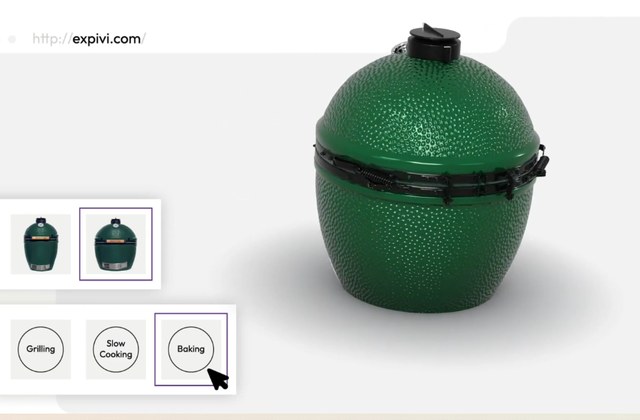
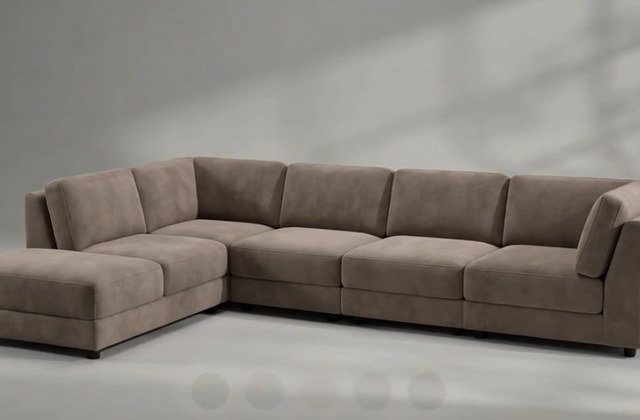
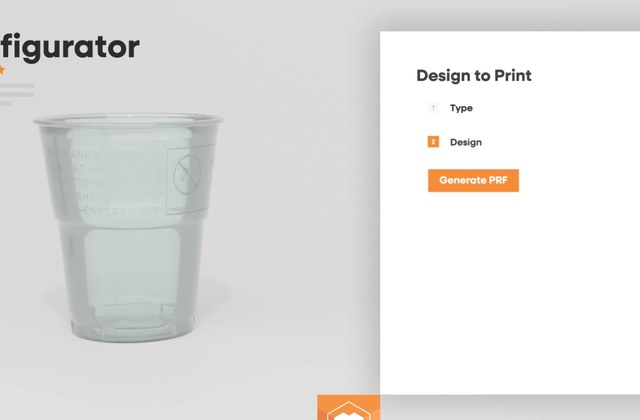
Book a free demoOne demo for the whole platform. We work out which parts you actually need.
4.8/5 on G2ISO 27001 certified
The MCP-first CPQ
The CPQ your AI agents already speak
MCP is the standard way AI agents connect to software. Most CPQ tools were built for clicking through screens. Expivi was built so the agent can do the work, from the AI tool your team already uses.
YOUR SIDEYour AI tool
The assistant your team already uses, pointed at Expivi.
ChatGPTClaudeAny MCP agent
over MCP
Set up products by describing themBack office
Point it at the product sheets and price lists you already have. It writes the products, options, rules and pricing into Expivi.
ProductsOptionsBusiness rulesPricingBill of materials
Sell without memorising the catalogueClient facing
It answers any option or price question, offers only valid configurations, and hands a clean order to your ERP.
TodaySalesperson→CPQ screens→ERP
With ExpiviSalesperson→AI sales agent→ERP
Successful live configurators
Don't take our word for it. Go and configure something.
These are live customer configurators, not demo videos. Open one, break it, try an invalid combination and watch what happens.
See all live configurators
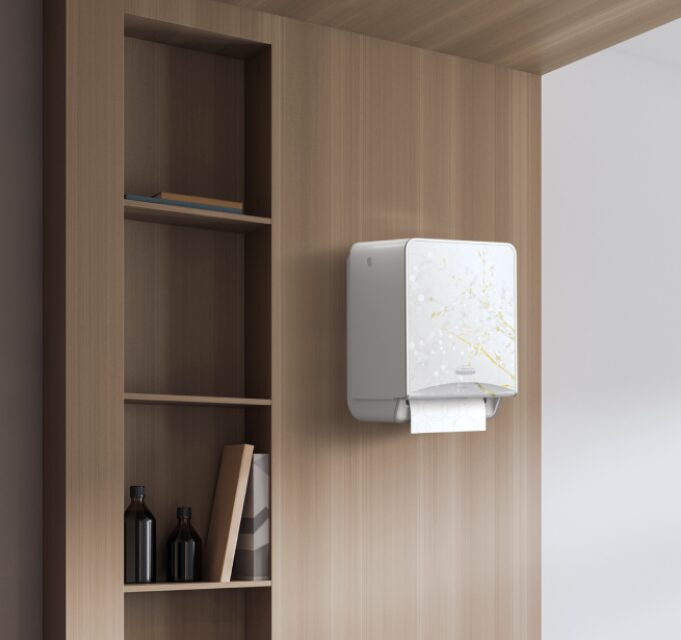

“Personalized products help you build lasting customer loyalty, they receive something unique, directly from your brand. Every item is made to order, so there’s no need for inventory.”
Matthias Leibitz
CEO, T1tan
“Increased sales by 150% in 3 consecutive years.”
Eduard: 100,000 trailer combinations in one configurator, with zero order errors.
Before you book anything
The questions we actually get asked
These are the six objections that come up in real sales conversations. Better to handle them here than on the call.
This looks like a 3D viewer. Why does it cost what it costs?
Because the 3D is the thin part. What you are buying is the configuration engine underneath: your product rules, your pricing logic, the bill of materials it generates and the integration that puts that into your ERP. A viewer makes a picture. This produces an order your factory can build without anyone checking it by hand.
The honest way to judge it is payback, not licence fee: errors removed, quoting hours removed, deals that no longer wait on a person. We put your numbers against the cost in the demo call, before anyone writes a proposal.
Could we not just build this ourselves now that AI writes code?
Building a configurator for one product is a weekend. Building one that holds every dependency in your catalogue, prices correctly in every currency and customer agreement, generates a BOM your ERP accepts, and still works after next year’s catalogue change. That is the part that takes years, and it never stops needing maintenance.
Teams that go this route usually get to a working demo quickly and then discover that the rule engine and the ERP sync are the product. If you have the engineering capacity to own that permanently, you genuinely may not need us.
Does this mean we no longer need our designer?
No. Design to Print removes the repetitive production step (redrawing the same artwork into the same template for the hundredth order), not the design work. Your designer sets the rules, the templates and what is allowed; the platform applies them. Most teams move that person onto new products instead of away from the company.
Can competitors copy our 3D models?
Anything shown in a browser can be screenshotted. That is true of your photography today. What cannot be copied is what sits behind the model: your rules, your pricing, your BOM structure and your ERP connection.
Can we manage this ourselves, or do we need you for every change?
Yourselves. This was a fair criticism of the older platform and it is the thing we fixed. Options, prices, rules and new variants are managed no-code by your own team. You come back to us for new products and new integrations, not to change a price.
How long does implementation take?
It depends on your catalogue, your integrations and whether 3D assets already exist. We would rather give you a real date than a marketing one. The route is the same for everyone: scoping, blueprint, build and configure, go live, then scale the catalogue.
Most teams start with one product line, measure it, and expand from there. You get a timeline for your situation at the end of the demo call.
See a configurator from a company like yours
Fifteen minutes, one product specialist, your catalogue on the table. Not a generic slide deck.
4.8/5 on G2ISO 27001 certified
No obligation. We won’t add you to a mailing list.
What happens next
- 1A confirmation email lands immediately.
- 2Someone from the team replies within one business day to find a time.
- 3Fifteen minutes with a product specialist, who shows you a live configurator from your industry.
4.8/5 on G2ISO 27001 certified